

Let’s take a coolheaded look at the current state of AI tools inside Nuke.
The number of daily articles surrounding AI in VFX is way too high, especially the ones that confess absolute love or hate.
Take a look at what happened with Marvel’s recent AI opening credits.
But let’s get our hands dirty and assess the result from 2 different tools.
For the next “magic” tricks we are going to use pre-trained AI, meaning you just plug a node into your footage and hassle-free you should get results.
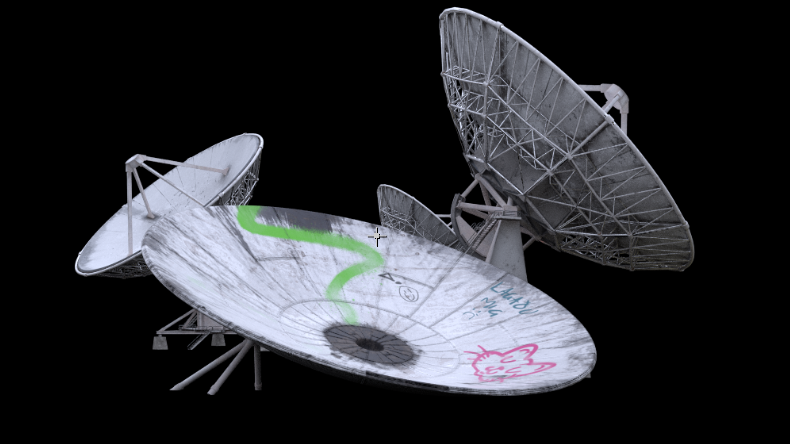
We bring in a 2K CG asset.
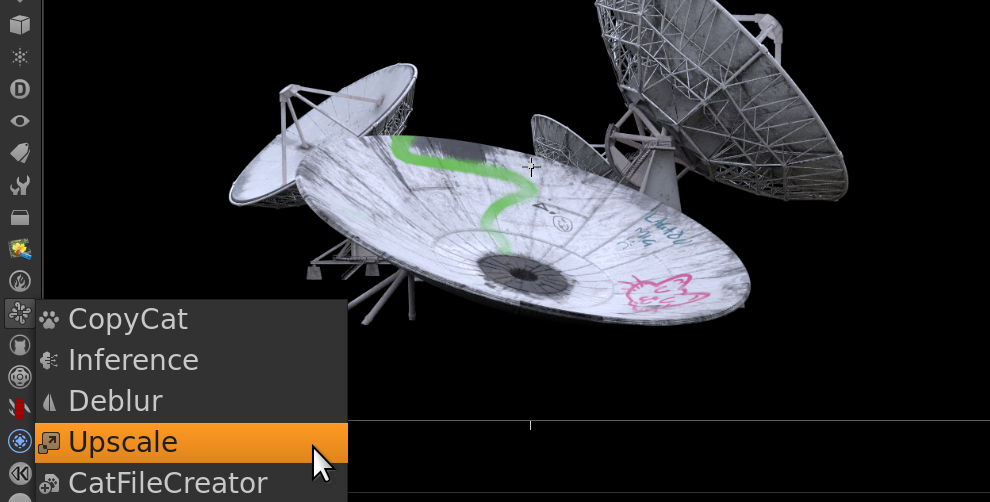
We select the Upscale tool.
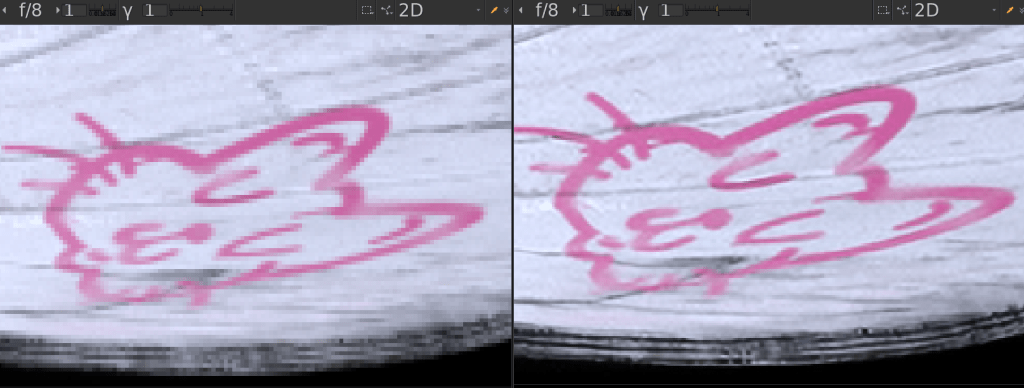
Left is before, right is after.
And by just connecting it we see a significant quality improvement.
Sweet – this can help all artists, CG and 2D.
Now let’s see how Nuke can automate Roto, a technique for extracting a part of a video, a lot of the time an actor, so it can be used in a different setting.
It’s usually an entry-level job in the industry.

This is a still from an acrobatics video with lots of complex movement.

This is a new tool from the Foundry’s Cattery collection available in Nuke 14.

Looks spot on - right?
In the industry, we are striving for a pixel-perfect result.
This translates to a high level of accuracy and consistency in graphics.
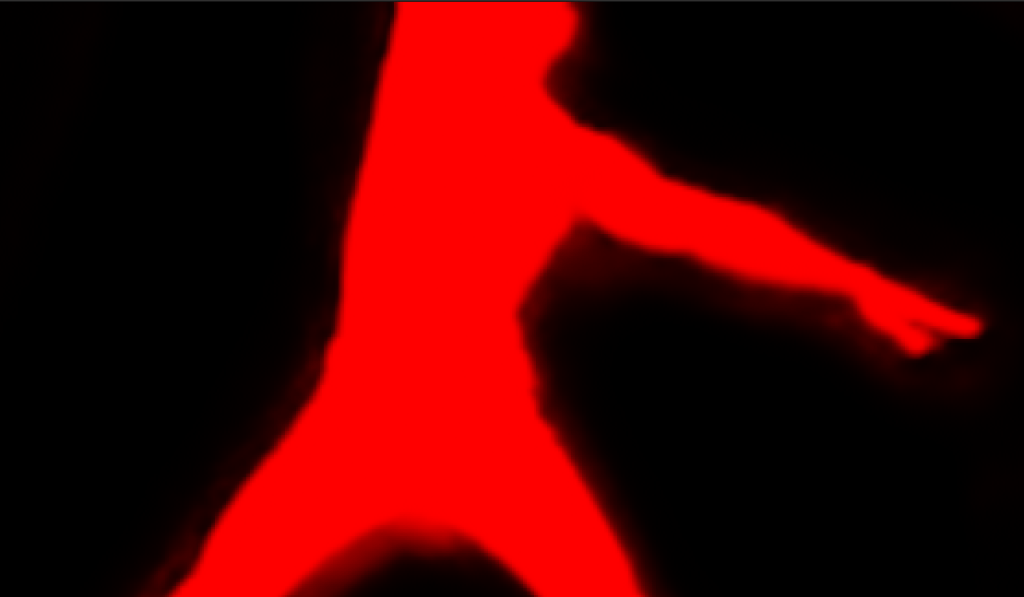
Scrutinizing the result we can spot a “halo” around the edges of the character that shouldn’t be there.
The pre-trained AI tool’s result is what it is, which doesn’t allow us easy fixes or alterations.
Learning the skills of a Roto artist is still relevant and applicable.
But we promised to avoid black-and-white thinking.
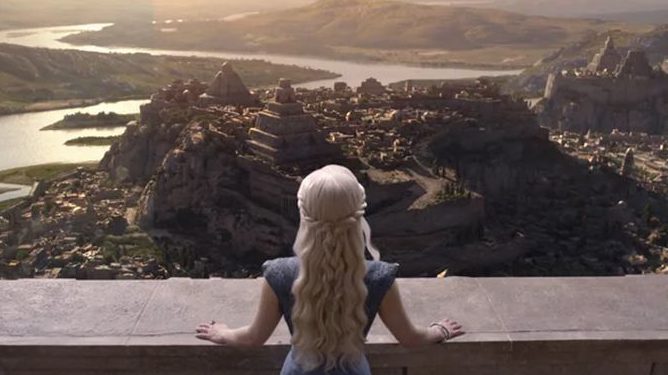
This AI tool is a great way to get a draft version of your character and place it before a Digital Matte Painting.
The list of tools doesn’t end here and they are ever-evolving.
AI Roto is a controversial topic which can excite but also cause fear but as you saw it’s currently more of a helping hand at the moment.
Stay tuned for more! And until then, keep on learning 😉
 THE ART OF VISUAL EFFECTS AT ESCAPE STUDIOS