
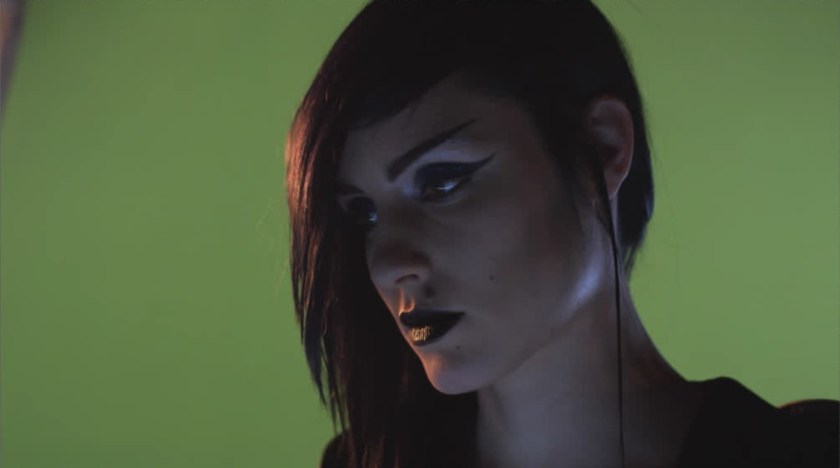
We have talked in past posts about different kinds of tasks and challenges we compers undertake.
One less frequent is the so-called “beauty work”.
This ranges from the more obvious like de-aging to more subtle digital makeup or cosmetics.
Today we will explore the latter inside Nuke.
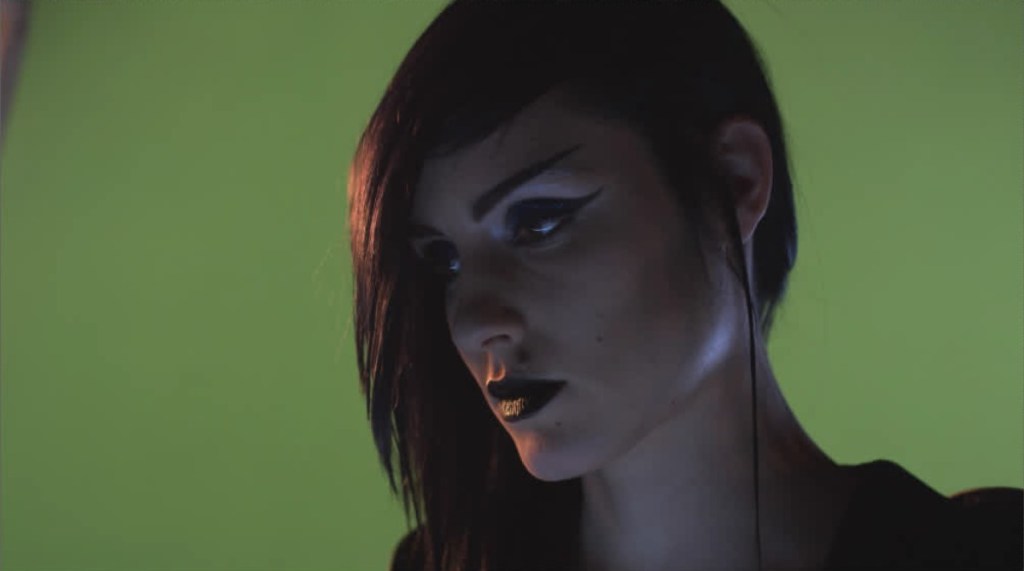
This is our Green Screen model. At first glance, only the background needs altering.
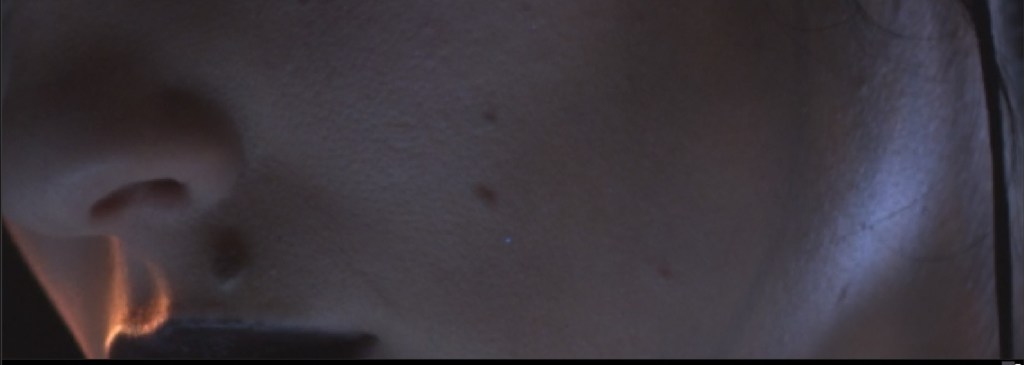
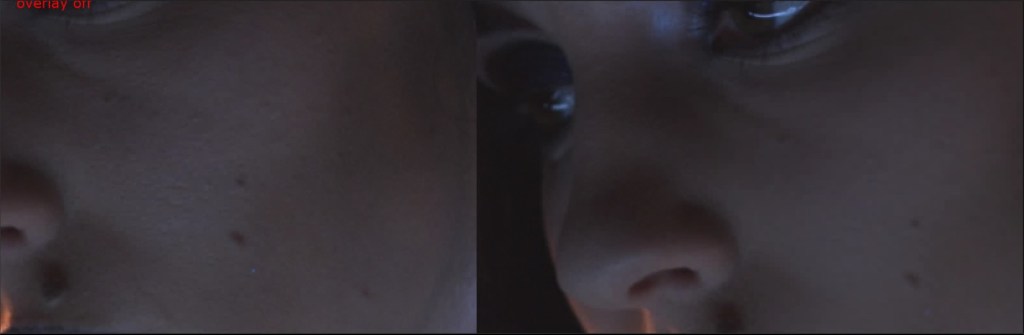
Let’s look closer. Again you could argue that there is nothing wrong here.
This is true, but in the world of glamour and picture-perfect looks, we may be asked to create smoother facial skin.
Furthermore, the lighting on the right is what we call hard lighting.
We would prefer something a bit softer which will better complement the subject.
To be successful in this we will use a frequency separation technique.
Trust me, we will keep light. If you want to delve deeper in theory you can do so here.
The main idea is to break our image into two components:
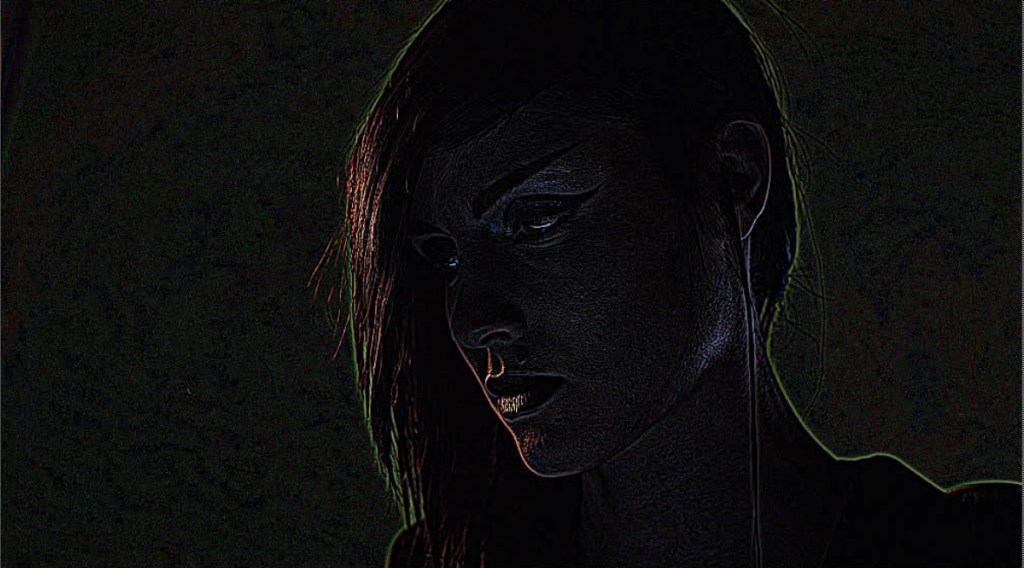
The high-frequency one, which contains only the fine details, like the pores or blemishes of the skin.
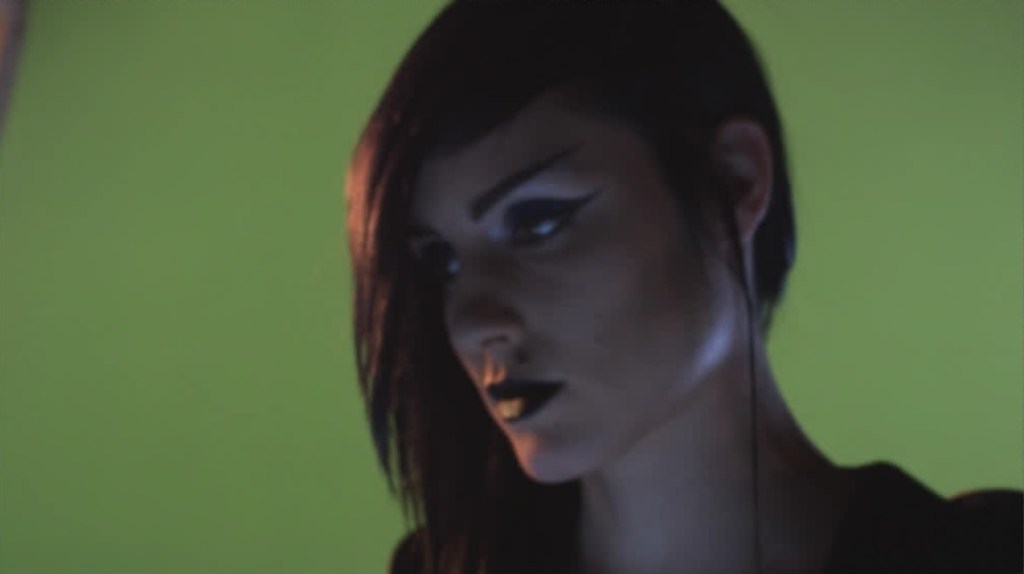
and the low frequency, where we preserve the light and colour.
This translates to the following setup in Nuke :

The Laplacian node extracts the high frequencies. The From node removes this from the original image resulting in the lower frequencies.
We now have two separate branches.
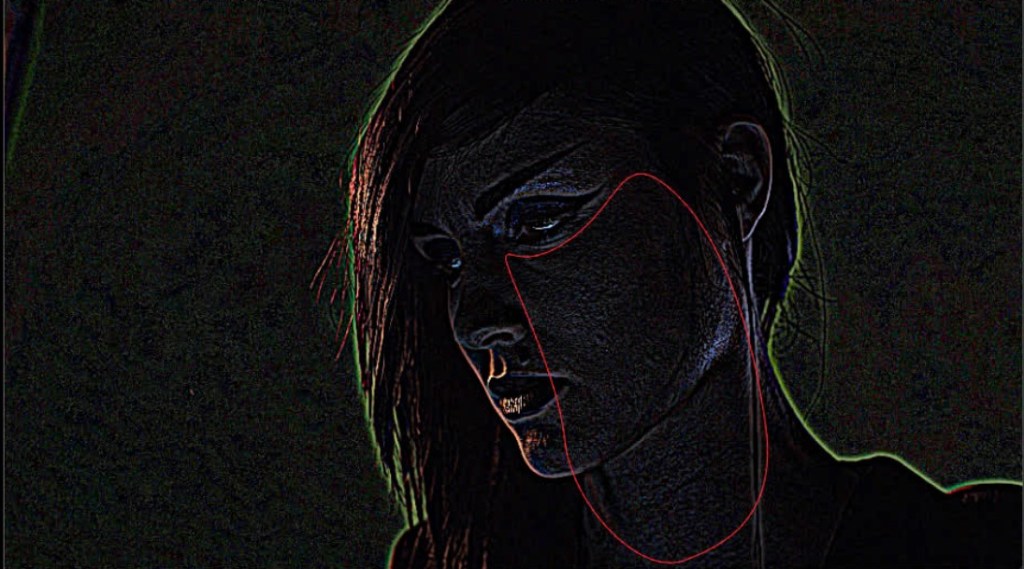
Targeting this area in the higher frequencies makes the skin smoother. Doing the same in the lower ones solves the hard light issue.
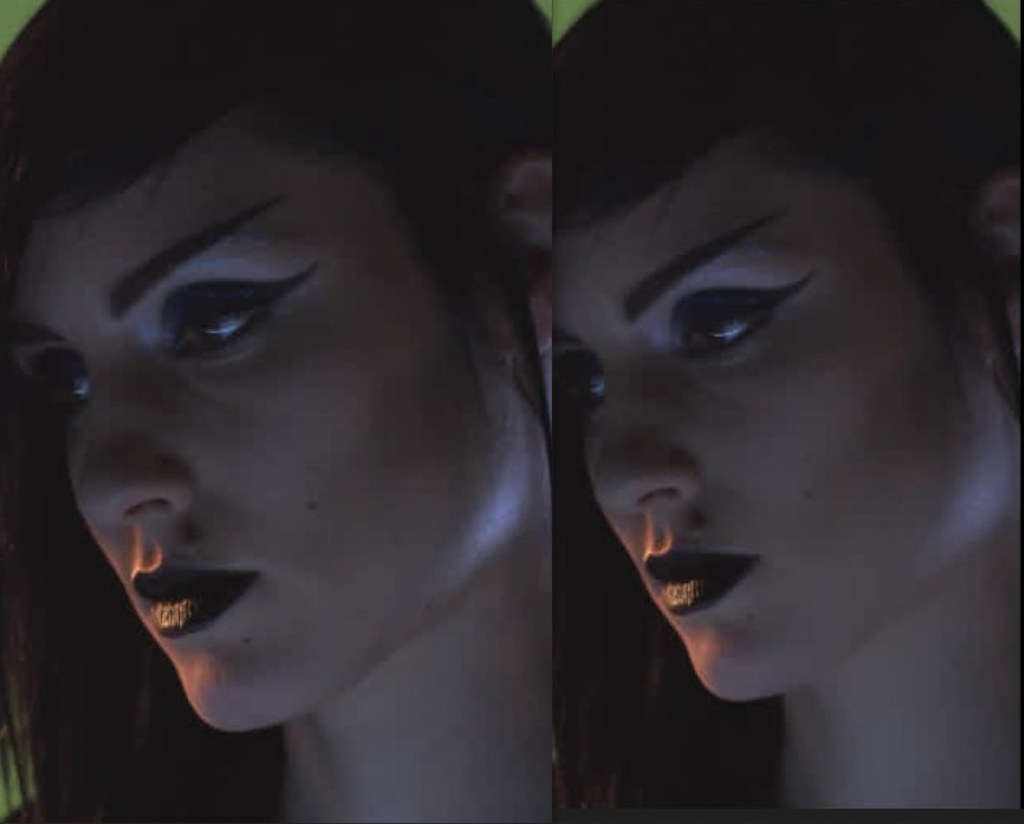
And this is the final form of our script:

This skill can be applied to clean-up ( here ) and other techniques.
Which ones? Well, stay tuned for more information 😉
 THE ART OF VISUAL EFFECTS AT ESCAPE STUDIOS