
As compositors, we often have to incorporate FX received from a Houdini artist to finish our work. A few examples of FX are fire, water simulations, dust, embers, etc.
There is a way, though, that we can steal a bit of their glory with an unassuming node which looks like this:
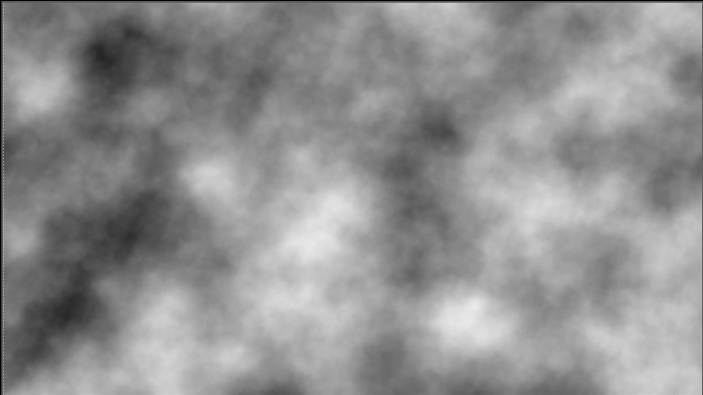
It’s the noise node and whereas in everyday life, by this term we mean something unwanted or unpleasant, here it holds the meaning of “random”.
Let me explain :
In the physical world around us, we rarely have phenomena that repeat in an absolute manner. Instead, they have modifications and variations. As VFX artists, we want to imitate this; otherwise, our work will come across as mechanical and fake.
This is where the noise node comes into the equation.
Or more specifically, its animated version.
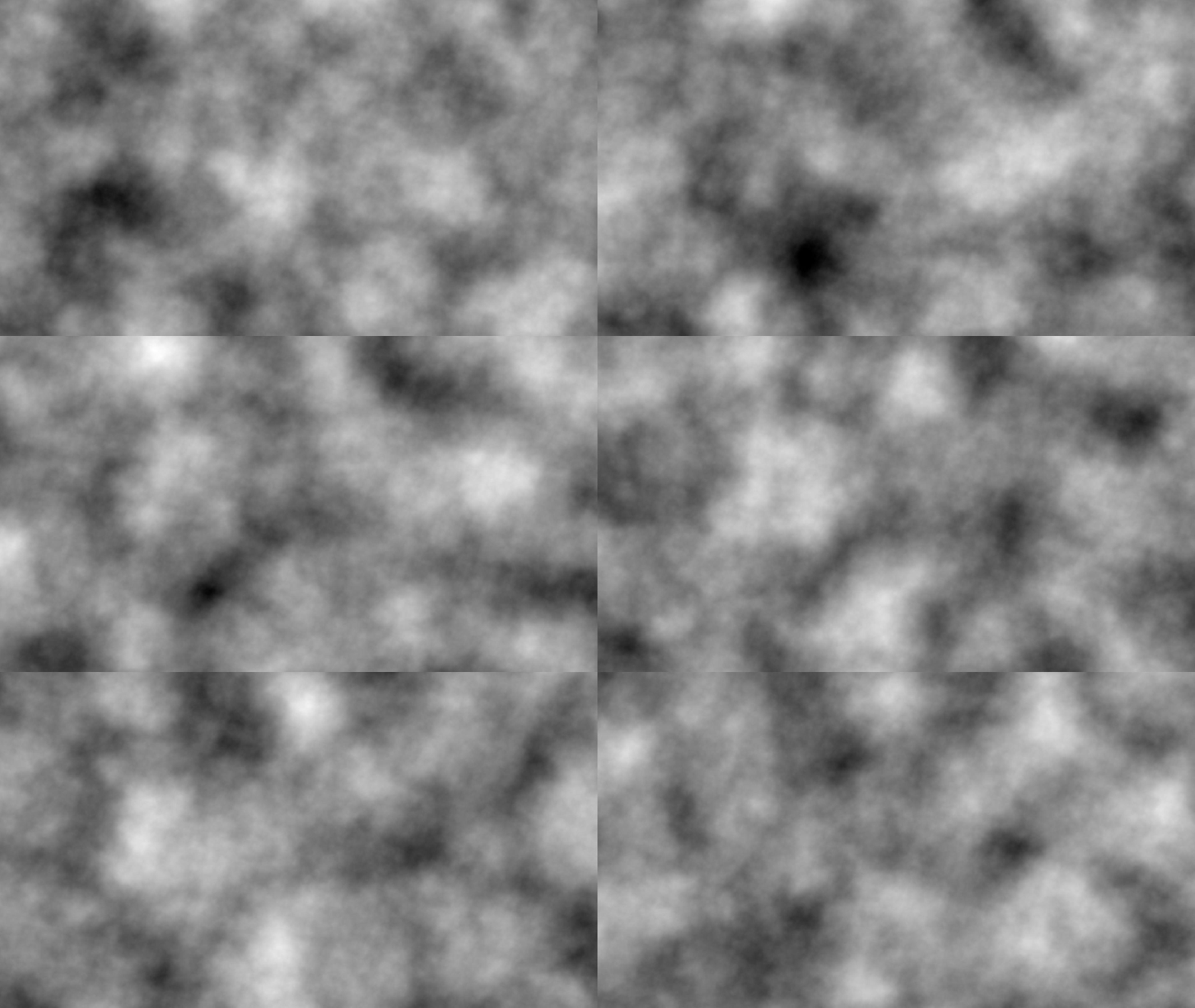
The alternation of bright and dark values will drive our FX.
Let’s get practical – We have this CG Comp of a flying jet:
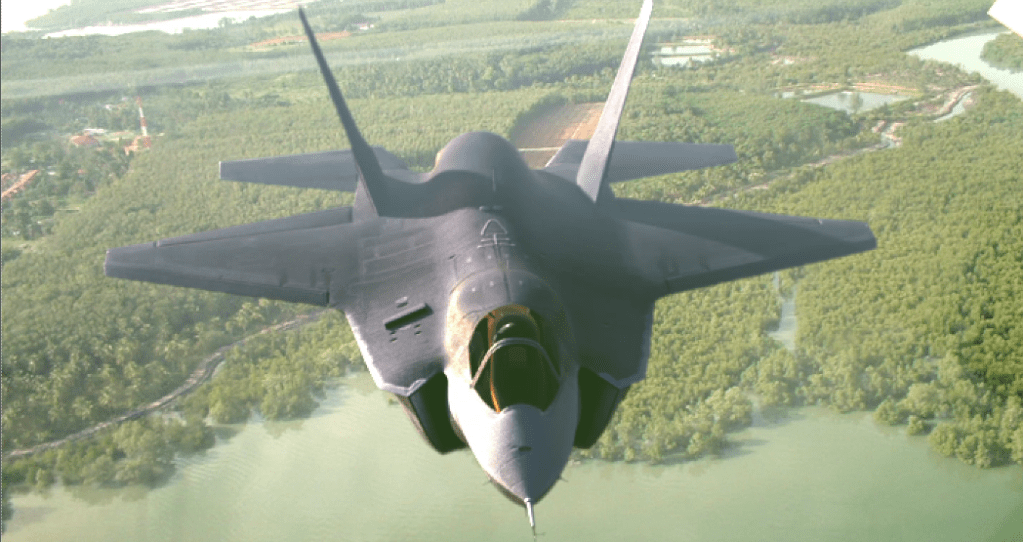
If we want to create a heat haze behind its jet engines, we need to scale our noise pattern to fit the size and position.
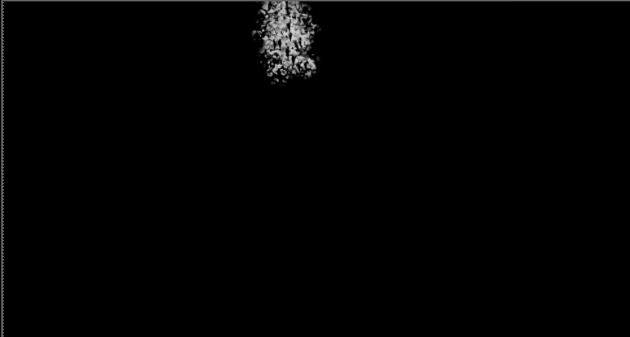
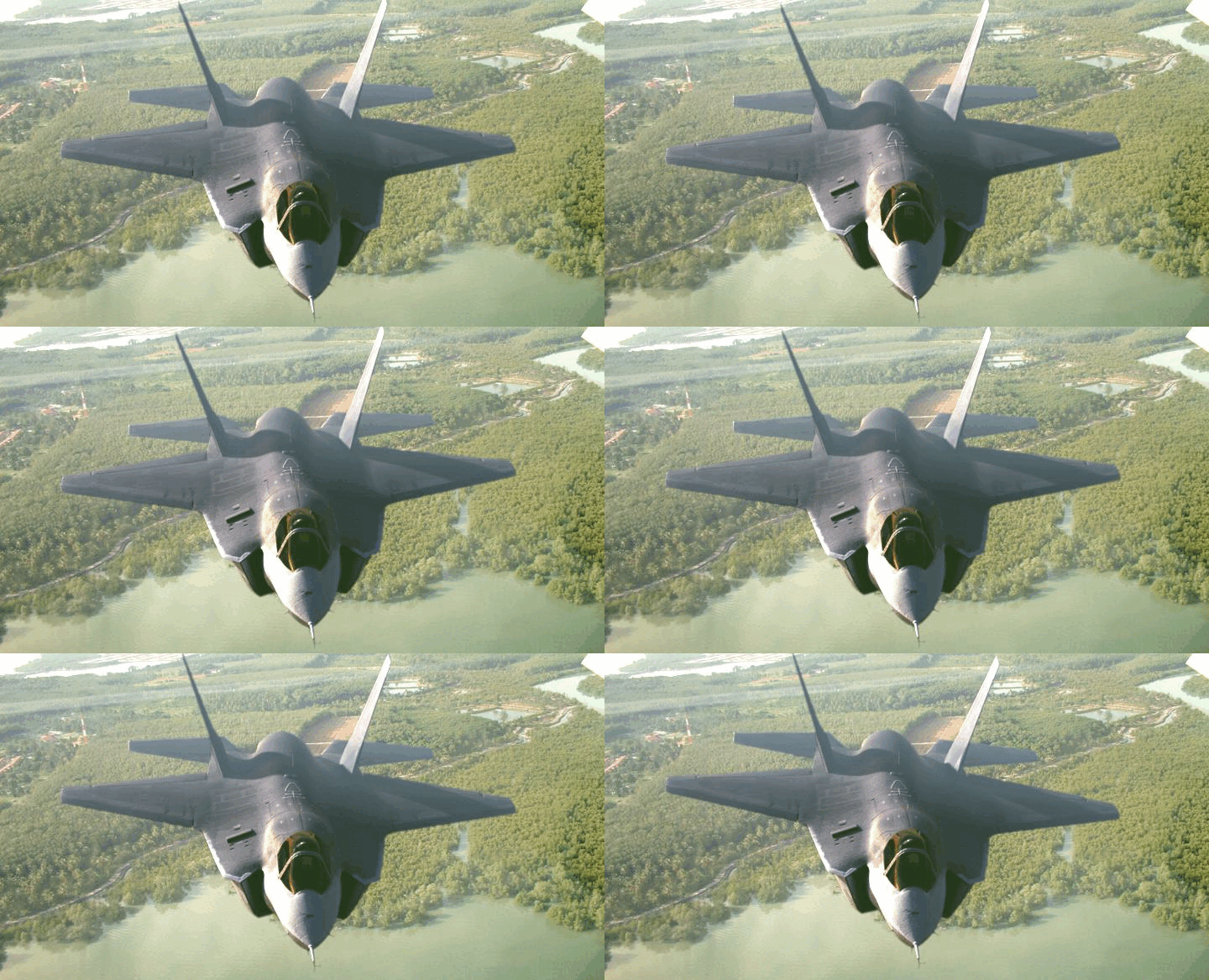
Once we animate it as seen before, this will drive a distortion of our image according to the desired result.
Another application could be to create waves in a still water image as seen below:
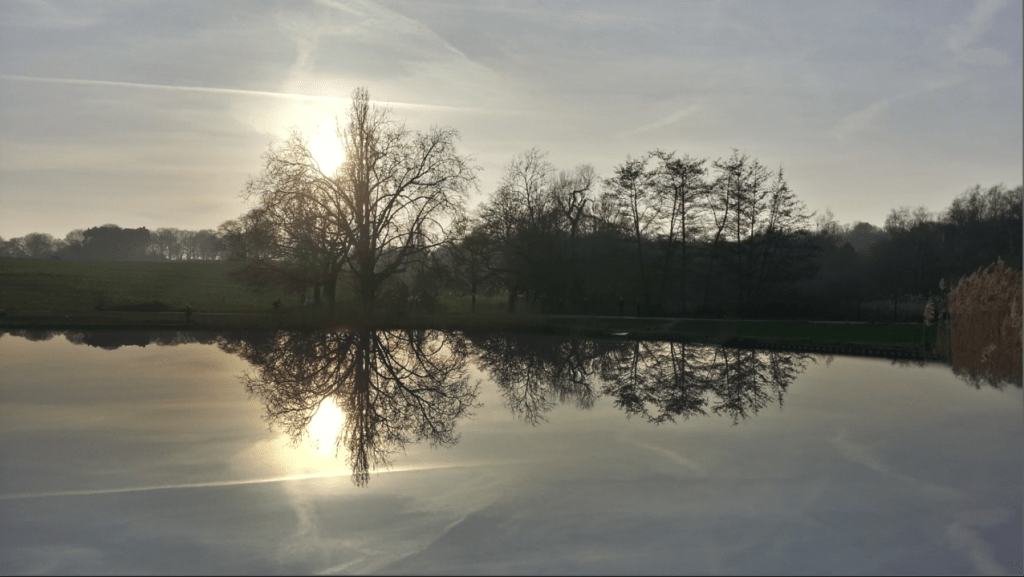
With a bit of forced perspective akin to the following,
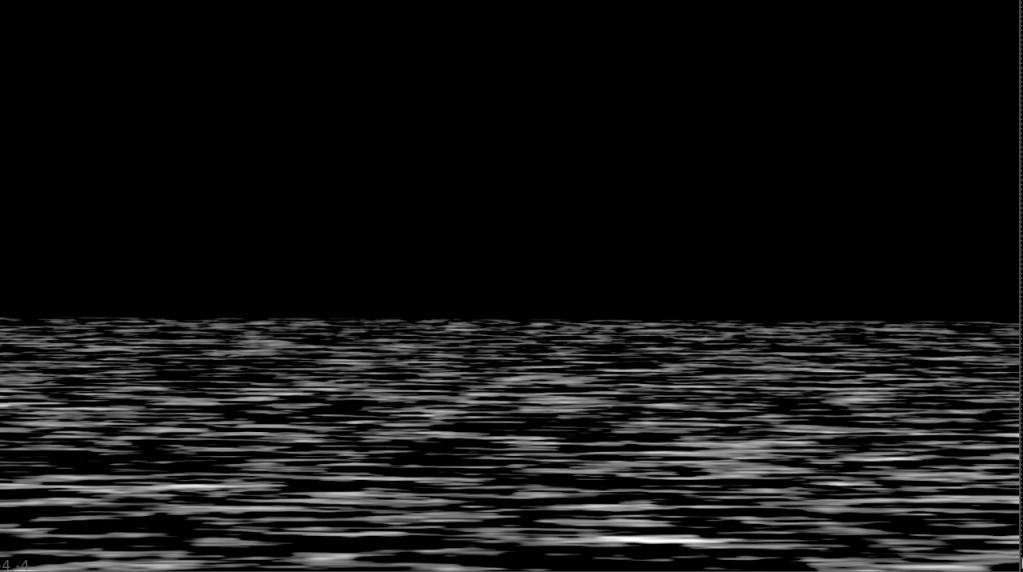
we can then get the ripples we want:
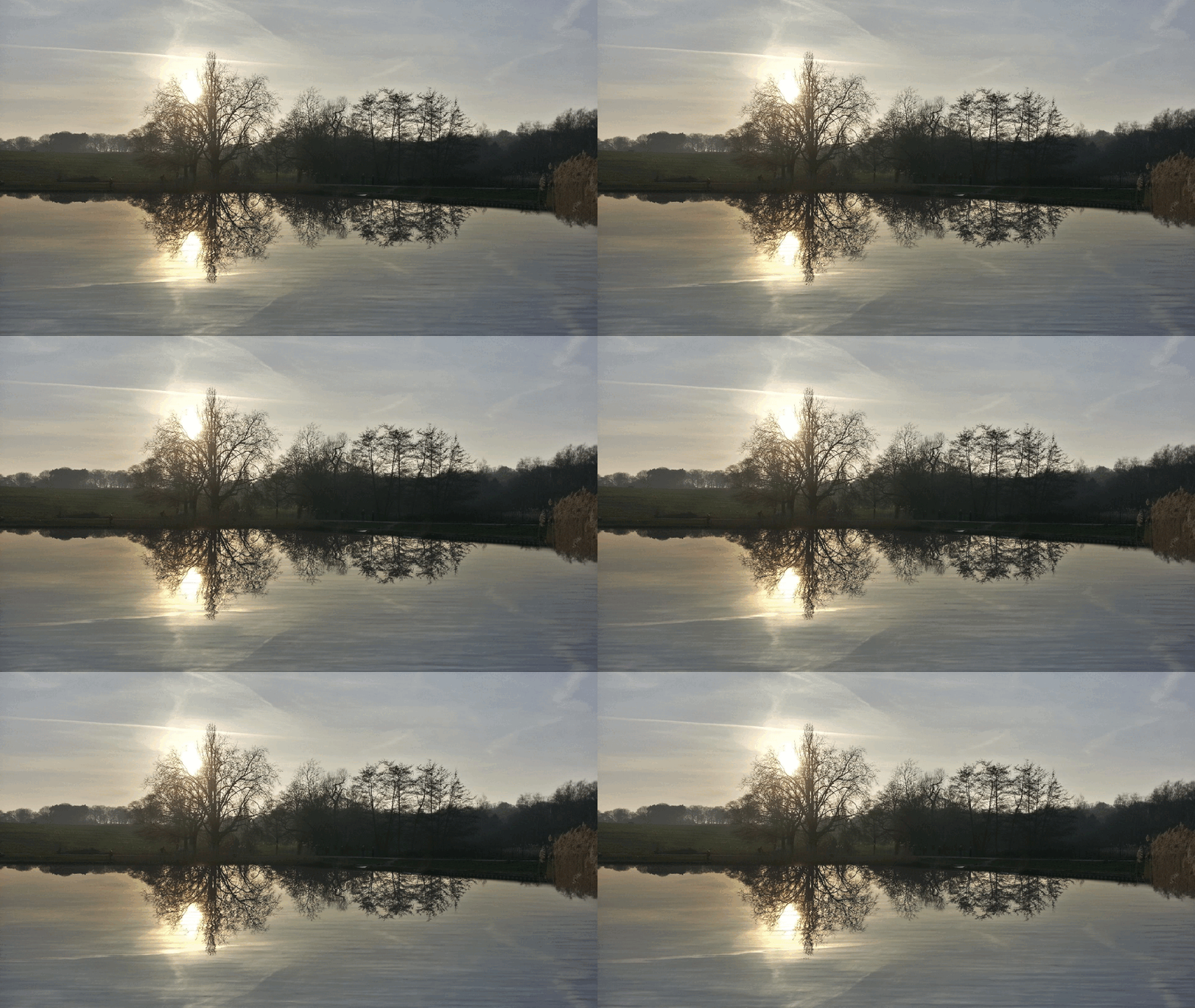
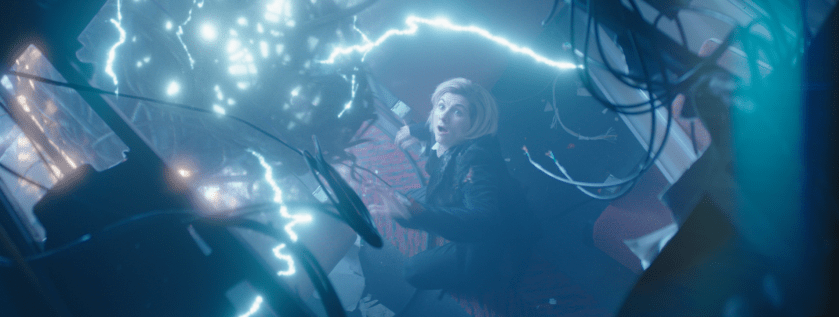
Finally, an example from a more recognisable piece of media:
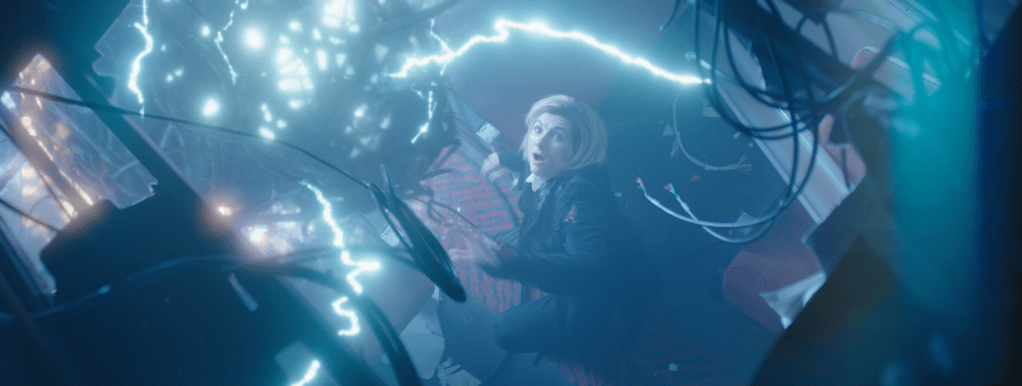
This is the thirteenth Doctor and her adventures.
The creature’s electric beams were created in Nuke with, you guessed it, noise.
If all these have put you in the mood for some hands-on experience, this one is on us.
And if you are looking for a step further, you can find us here.
Until next time, I hope this post will help you see Visual Effects in media from a different angle.
Farewell!
 THE ART OF VISUAL EFFECTS AT ESCAPE STUDIOS